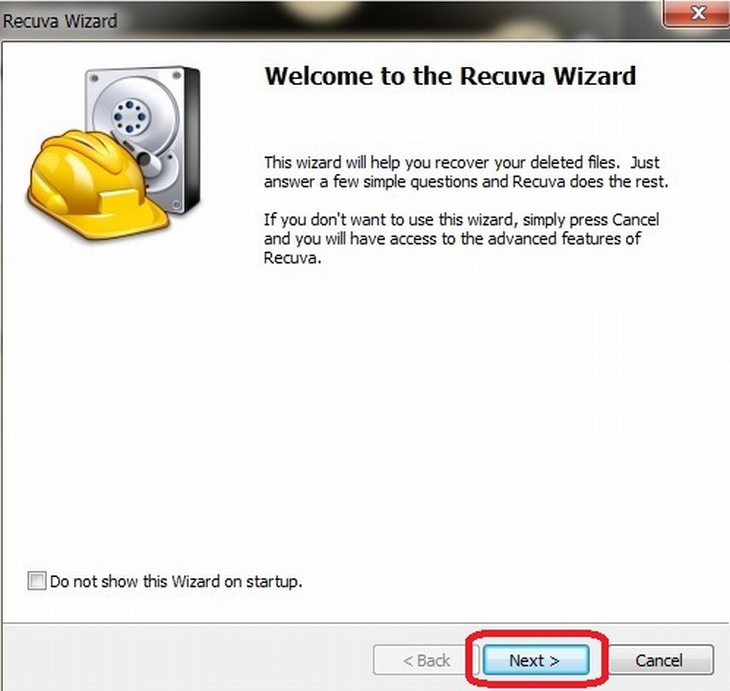
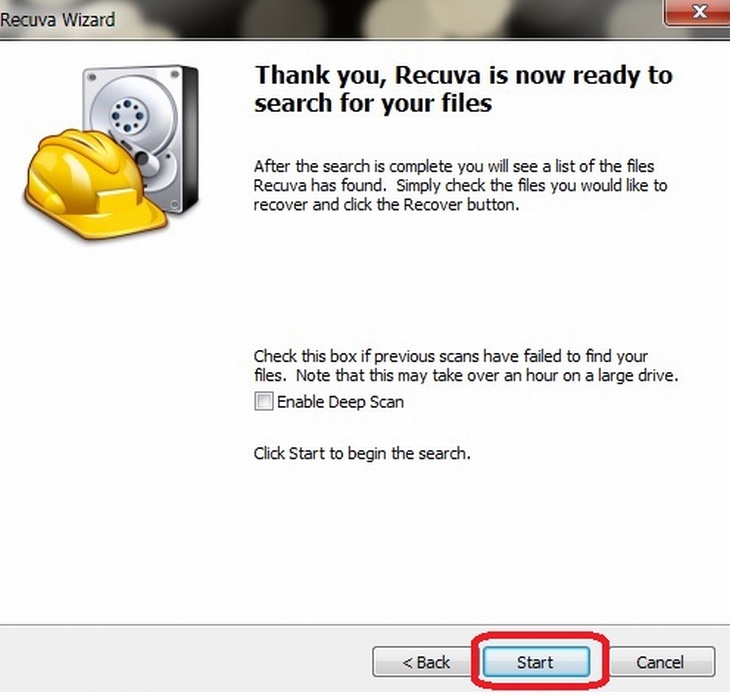
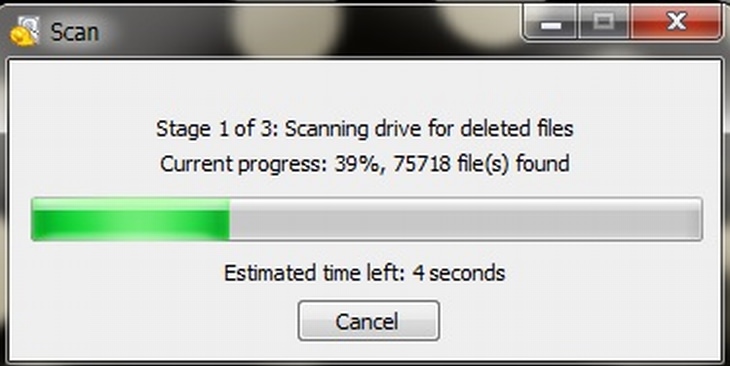
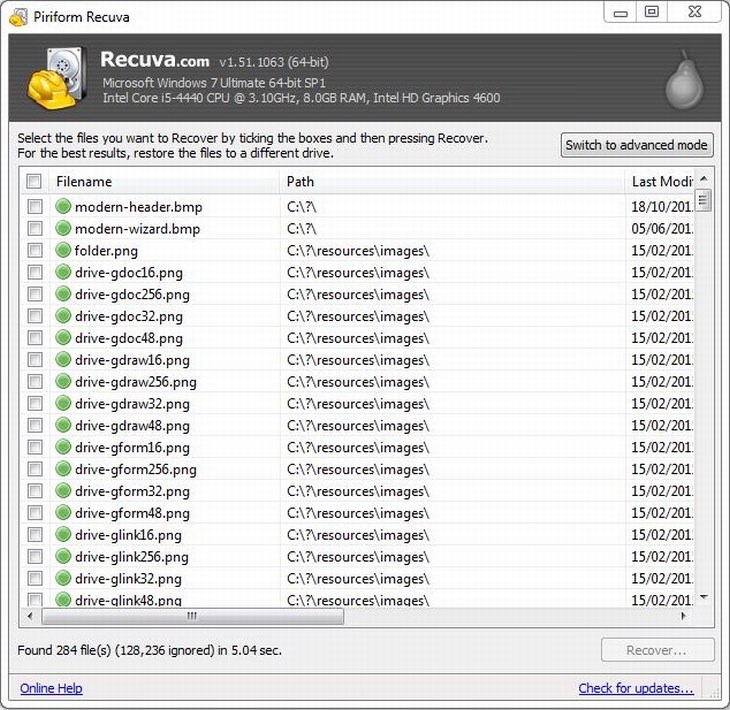
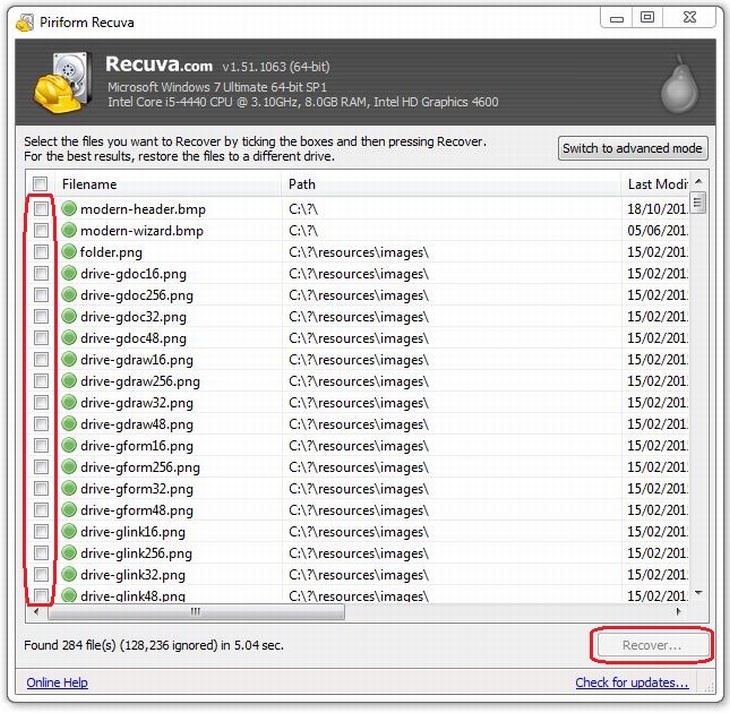
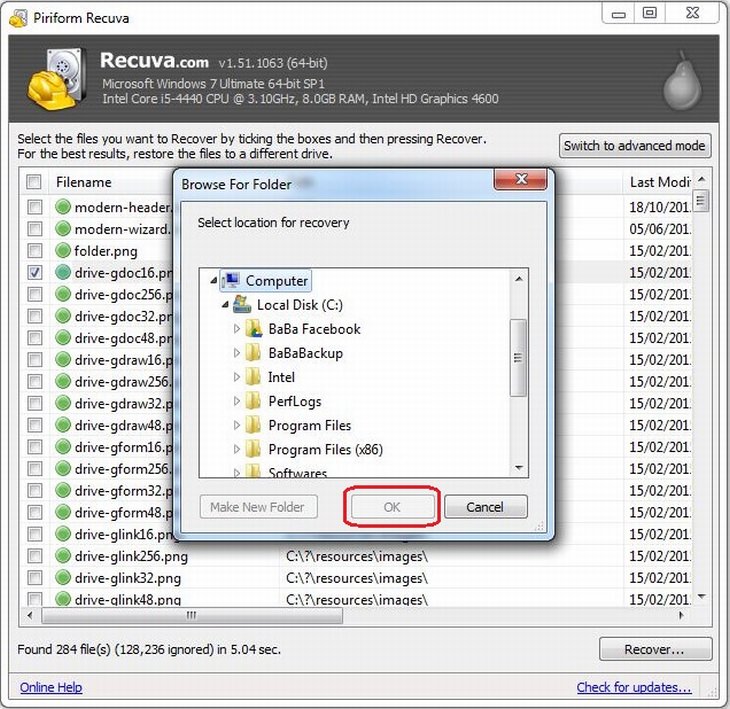
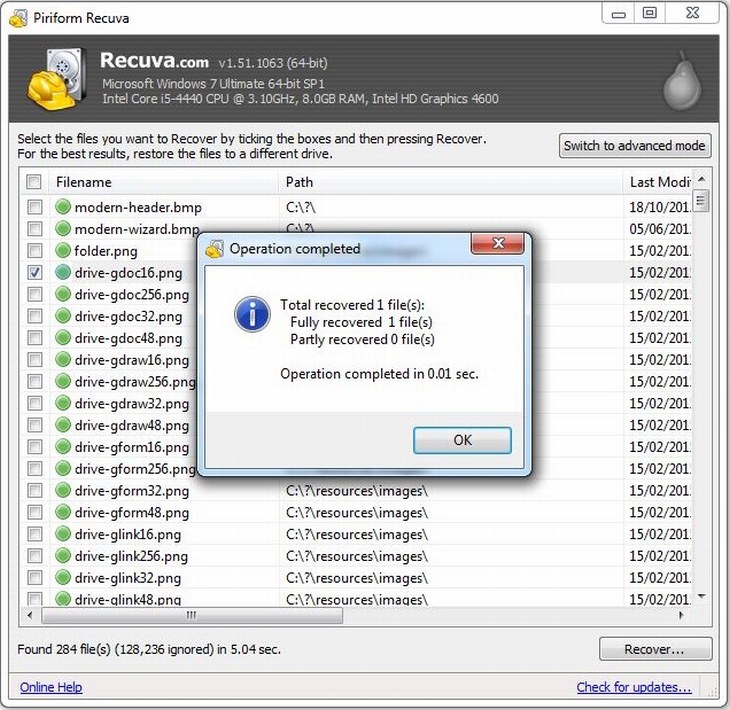
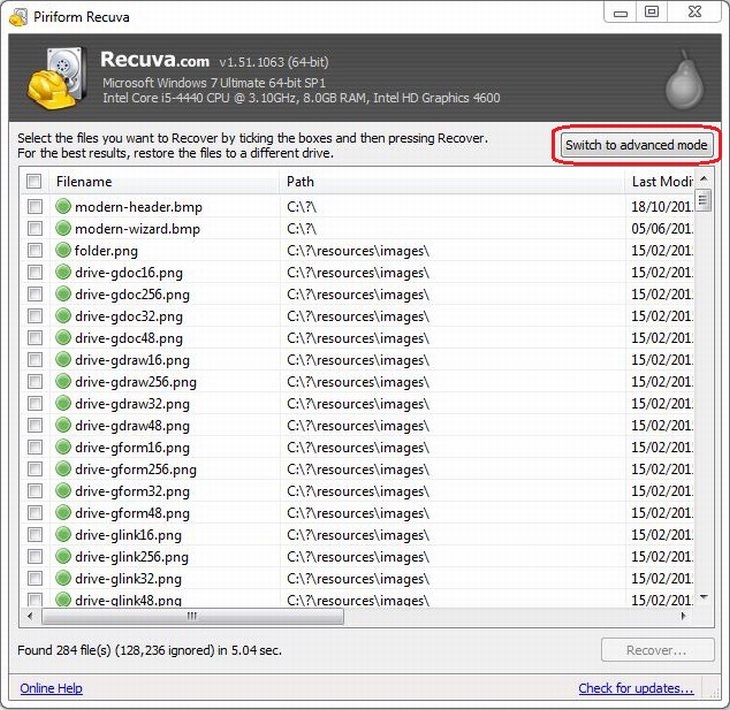
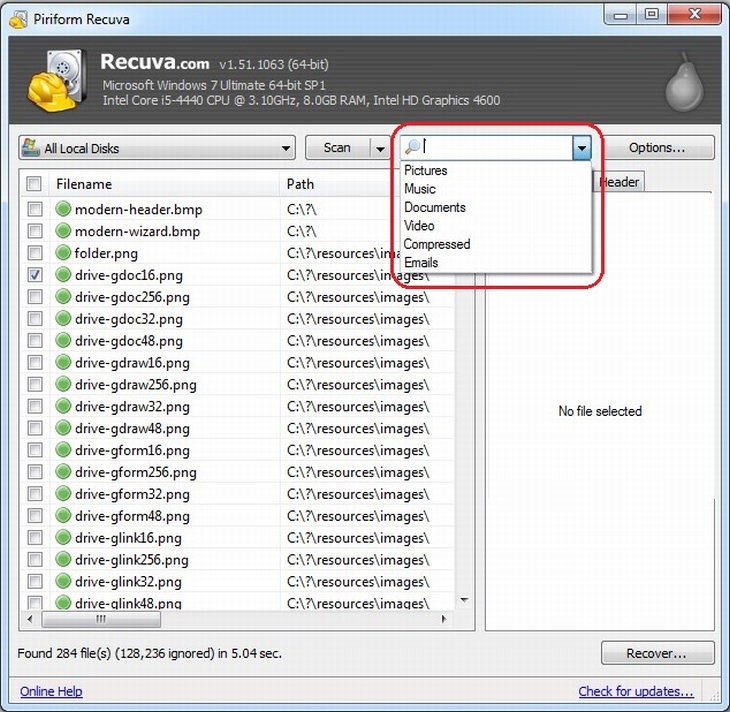
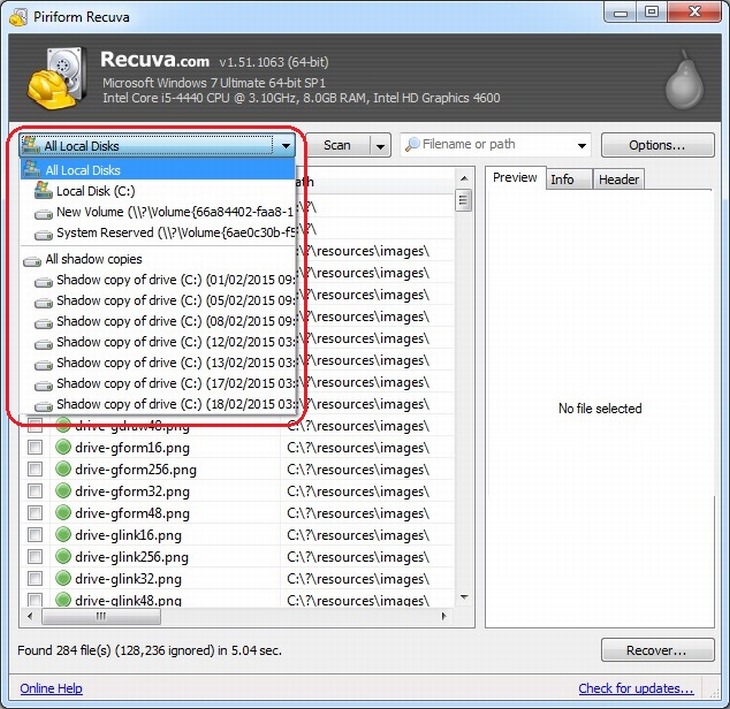
In this day and age, almost all of our information is saved either on our computer or on an external drive, allowing us to access and transfer many photos instantly. However, despite the improved availability and speed of access to our files, deleting them by mistake can also be easy. How does this work? When a file on your computer is deleted, only the link to it has been removed, making the file invisible. What that means is that the data is still on your hard drive or external drive, and programs like Recuva can search and recover the data (unless it has been overwritten – then you need to take it to a lab). If you recently deleted a file by accident, Recuva will be able to find it and restore it. How do I use it? First, download the program. After the installation, the Recuva window will open, displaying the "Recuva Wizard", meant to simplify your use of the program. Click on "Next" when you're ready. |
--
You received this message because you are subscribed to the Google Groups "Keep_Mailing" group.
To unsubscribe from this group and stop receiving emails from it, send an email to
keep_mailing+unsubscribe@googlegroups.com.
To post to this group, send email to
keep_mailing@googlegroups.com.
Visit this group at
https://groups.google.com/group/keep_mailing.
To view this discussion on the web visit
https://groups.google.com/d/msgid/keep_mailing/CAH3M5OtF%2BhMuxQW2-WFwhVPAoa7jeMApR3jA872d1Ua5jSUORw%40mail.gmail.com.
For more options, visit
https://groups.google.com/d/optout.

No comments:
Post a Comment